

Manage Accounts Anytime.
- Convenient 24/7 access to your accounts
- Real-time account balance and transaction updates
- Simplified money management with budgeting and spending tracking tools
- Easy and secure bill payments and transfers
- Access to electronic statements and important documents
- Customizable alerts for account activity and security
- Ability to manage debit cards and report issues instantly
- Secure messaging for customer support and inquiries
Already have an account?
Login now
Ready to get started with Online Banking?
Click Log In in the top right corner and select Enroll next to the sign‑in button. Be sure to have your account number and routing number ready.
Get familiar with the features and tabs available in Online Banking below.
Dashboard Overview
- View your account balances and recent transactions at a glance
- Quickly transfer money between accounts
- Pay a bill using the Bill Payment window
Accounts
- Search and view detailed transaction history
- Download PDF statements for current and past periods
- Stop scheduled payments when needed
Money Manager
- Track spending by category
- Create and manage budgets
- Monitor upcoming cash flow
- Set financial goals and plan accordingly
Pay, Transfer, Receive
- Transfer funds between your accounts
- Transfer funds to external accounts via Plaid
- Schedule future transfers
- Make loan payments
- Enroll in Bill Pay for easy bill management
Bill Payment
- View recent bill payment activity
- Manage bill payment recipients
- Pay current and future bills
- Activate eBill for vendors accepting ACH payments
Documents and Settings
- Review statements, tax documents, and notices
- Enroll in eStatements easily via the Documents section
Manage Cards
- Instantly turn your debit card on or off through the app.
- Set travel notifications to avoid interruptions when using your card away from home.
- Receive real-time transaction alerts and customize notifications.
- Quickly lock lost or stolen cards via the mobile banking app.
- Add your debit card to your mobile wallet (Apple Wallet or Samsung Pay) directly from the app for secure, convenient payments.
Manage Alerts
Receive email or mobile alerts for:
- Online banking access or account changes
- Low balance warnings
- Account transactions
- Transfers
- ATM/Debit card usage
Connect with Us
Under the Secure Messages tab, you can contact support and submit the following forms:
- Enroll in eStatements
- Report lost or stolen cards
- Request to add new accounts to your online banking
- Reorder checks
- Submit feedback
Online Banking and Mobile Banking are subject to terms and conditions. Message and data rates may apply through your wireless carrier. Internet access may be required and third-party fees may apply.
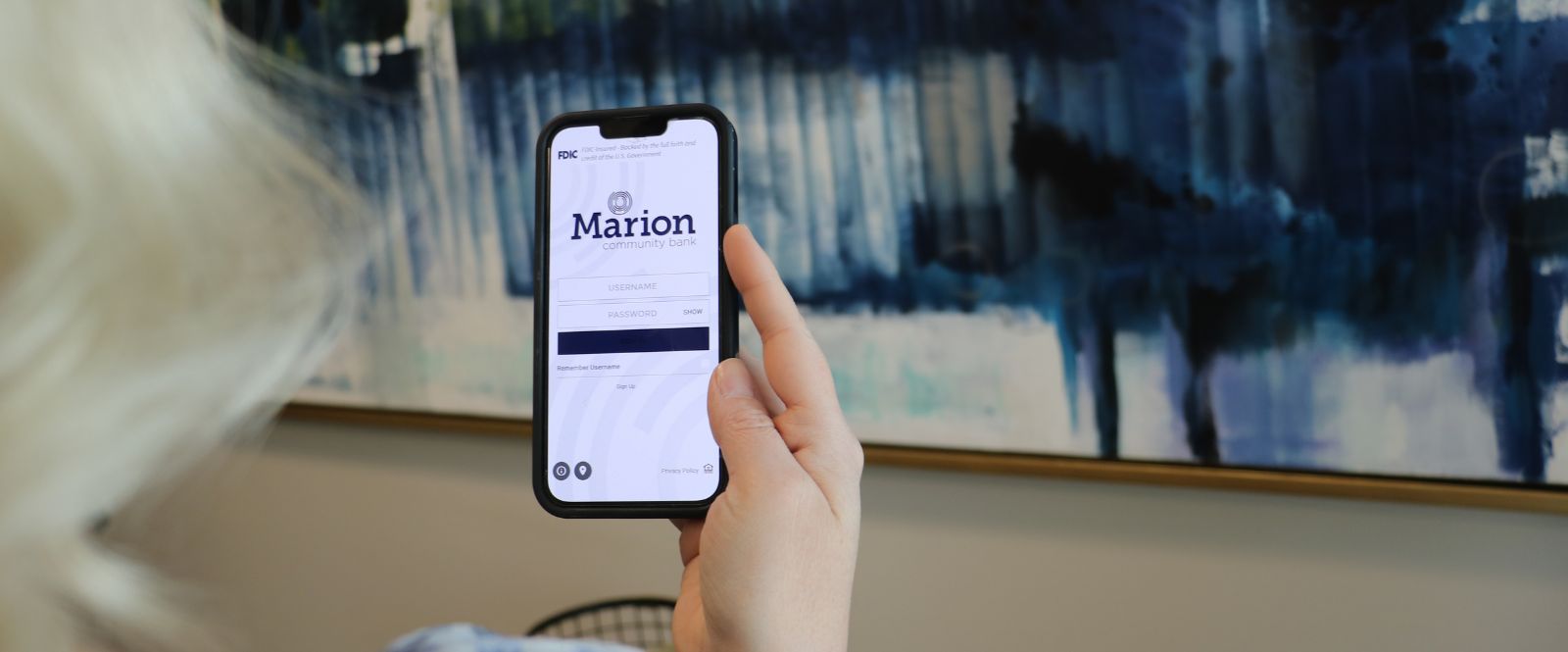
Want Your Bank in Your Pocket?
Enjoy secure, convenient access to your accounts anytime, anywhere with Mobile Banking. Easily check balances, transfer funds, pay bills, and deposit checks right from your device.
Download the Marion Community Bank app from the Apple App Store™ or Google Play™.


* By clicking on either of these links, you will be taken to another website. The owner of that site is responsible for the content. Their security and privacy settings may be different from ours, so you may want to review them.