
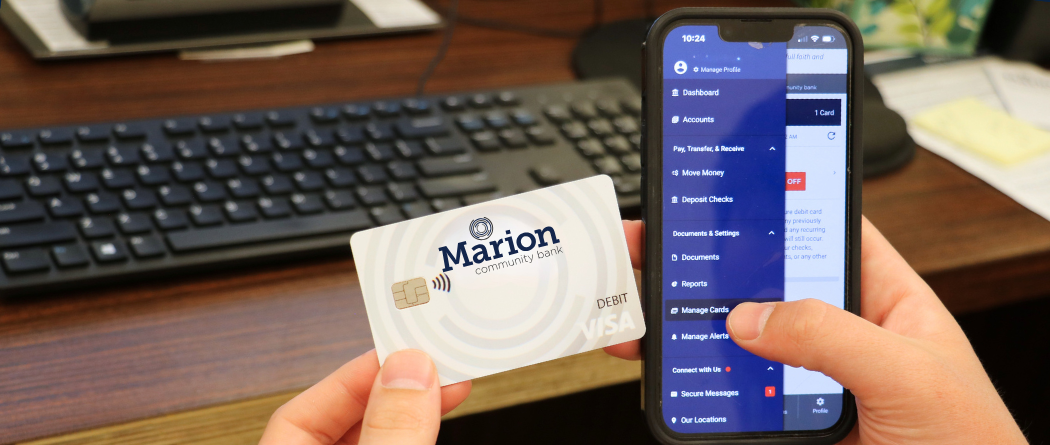
Take Control of Your Debit Card Anytime, Anywhere
Manage your debit card easily with Online and Mobile Banking.
Card Controls
-
Turn your debit card on or off instantly through the app.
-
Traveling soon? Set a travel notification in your mobile banking app to avoid any interruptions when using your card away from home.
Transaction Alerts
-
Receive real-time notifications for purchases and transactions.
-
Customize alerts to stay informed and protect your account.
Quick Lock for Lost or Stolen Cards
If your card is lost or stolen, immediately turn it off using your mobile banking app.
From the menu, select “Manage Cards” and choose “Turn Card Off.”
Then, contact your local branch to cancel the card and request a replacement.
Note: After-hours lost or stolen card reporting is available via phone system prompts when calling your branch
Add Your Card to Your Mobile Wallet
Add your debit card to your mobile wallet directly from the mobile banking app for faster, more secure, and convenient payments—no physical card required.
From the menu, select “Manage Cards.” Choose the card you want to add. A digital wallet icon will appear below the card image within the app.
Select “Add to Apple Wallet” or “Add to Samsung Pay,” then follow the on‑screen instructions to complete the setup and begin using your card with your mobile wallet.
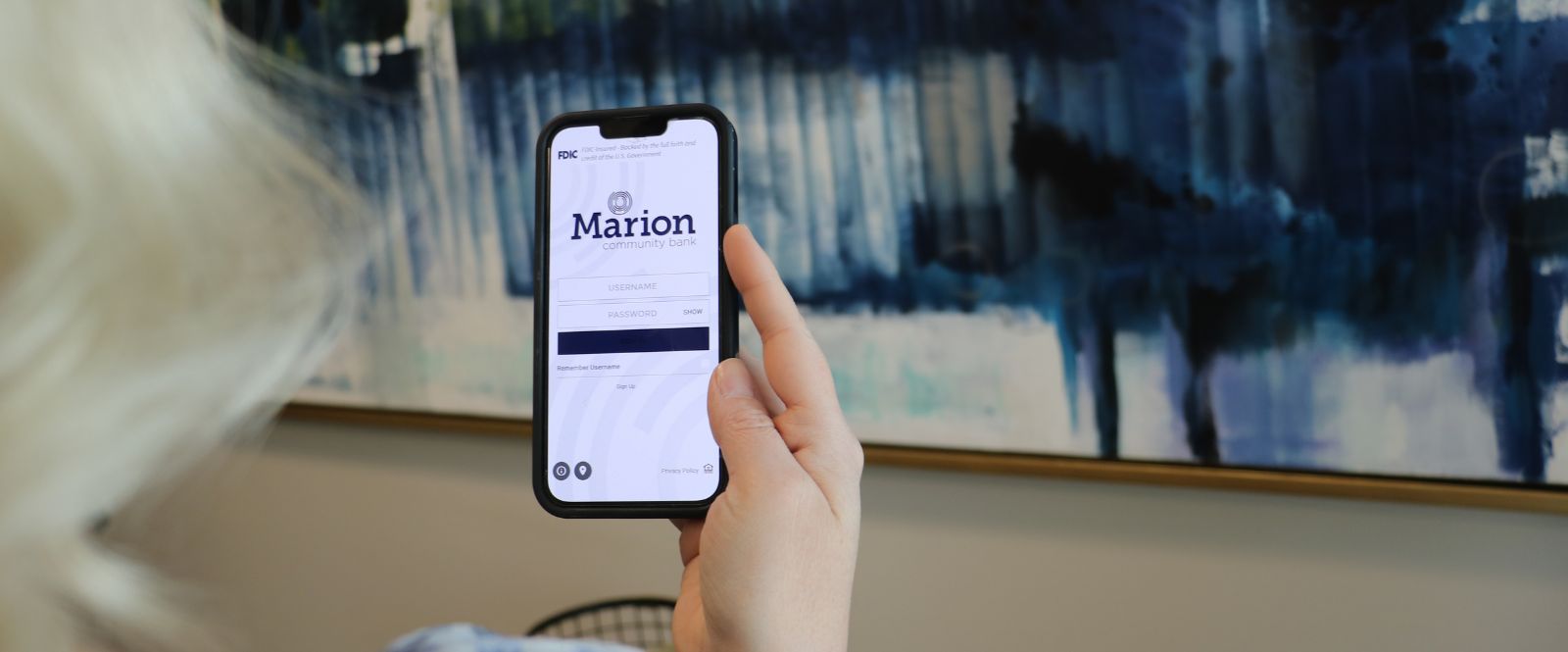
Don't Have the App?
Simply download the Marion Community Bank app from the Apple App Store™ or Google Play™.


* By clicking on either of these links, you will be taken to another website. The owner of that site is responsible for the content. Their security and privacy settings may be different from ours, so you may want to review them.